Premium IPTV, done properly
Your TV, organized around you.
Live channels, movies, and series in one fast, uncluttered experience — on the devices you already own.
- Set up in minutes
- Works on all major devices
- Real human support
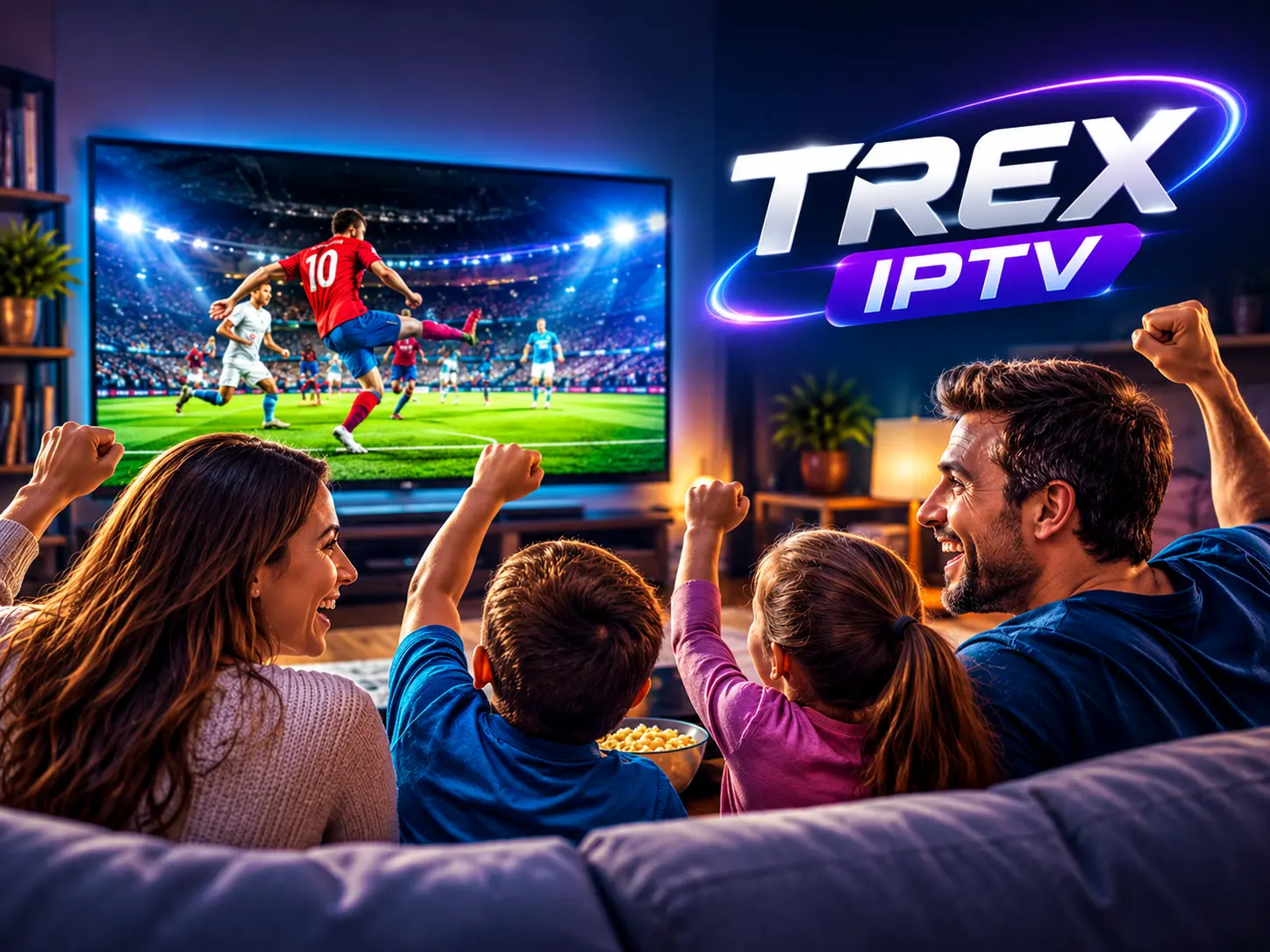
The TREX experience
From sign-up to watching in five simple steps
You do not need any technical background. Choose a plan and we will guide you through the rest.
Choose your plan
Every plan includes the same service — pick the duration that suits you. Longer plans cost less per month.
Choose your device
Android, Android TV, Fire TV, Windows, macOS, or a Smart TV — TREX works where you already watch.
Install the app
Follow the step-by-step guide for your device. Most installations take under five minutes.
Connect your account
Sign in with the access details we deliver to your account after activation. No complicated configuration.
Start watching
Browse live TV with a full program guide, or dive into movies and series on demand.
Apps
Get the TREX app for your screen
Three builds cover everything: your TV, your phone or stick, and your PC. Free with any active subscription.
TREX IPTV for Android TV
For Android TV boxes and smart TVs running Android. Built for 32-bit (arm32) TV hardware, which is what most TV boxes use.
Downloader code
3926837
On a TV box or Fire Stick, open the Downloader app and enter this number instead of typing the link.
TREX IPTV for Mobile, Tablet & Stick
For Android phones, tablets and streaming sticks including Fire TV Stick. A universal build that runs on every modern Android device.
Downloader code
2270632
TREX IPTV for Windows
Desktop player for Windows 10 and 11. Download, run the installer, then sign in with the details from your welcome email.
Download (25.3 MB)When the app asks for a Host or Provider, type this:
It is not a web address. In the Host, Server or Provider field, type the single word below — then your username and password from the welcome email.
trex
lowercase, no spaces, no www and no .com
Inside the app
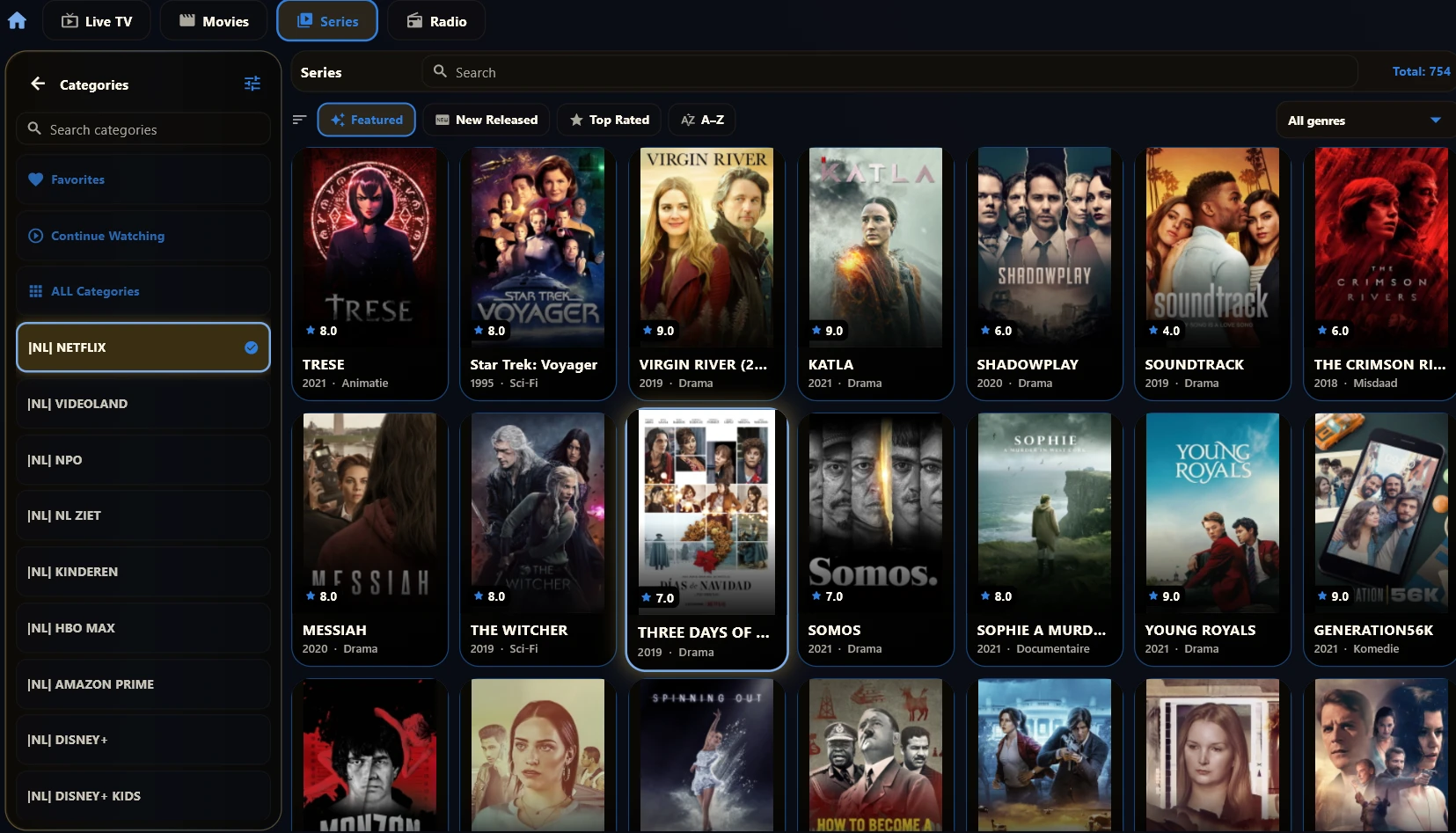
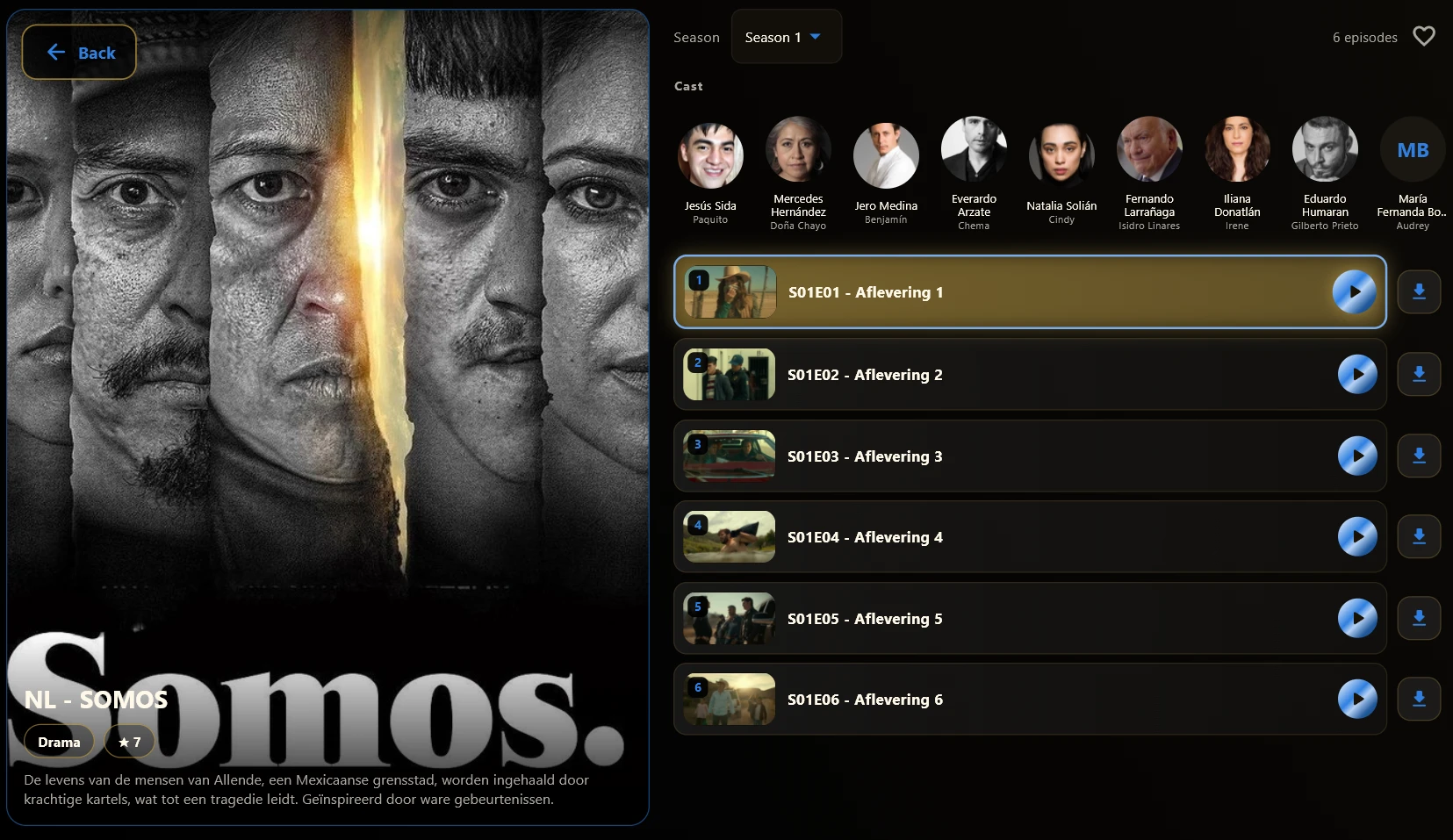
This is what you get
Real screens from the TREX app — the same on your TV, your phone and your PC.
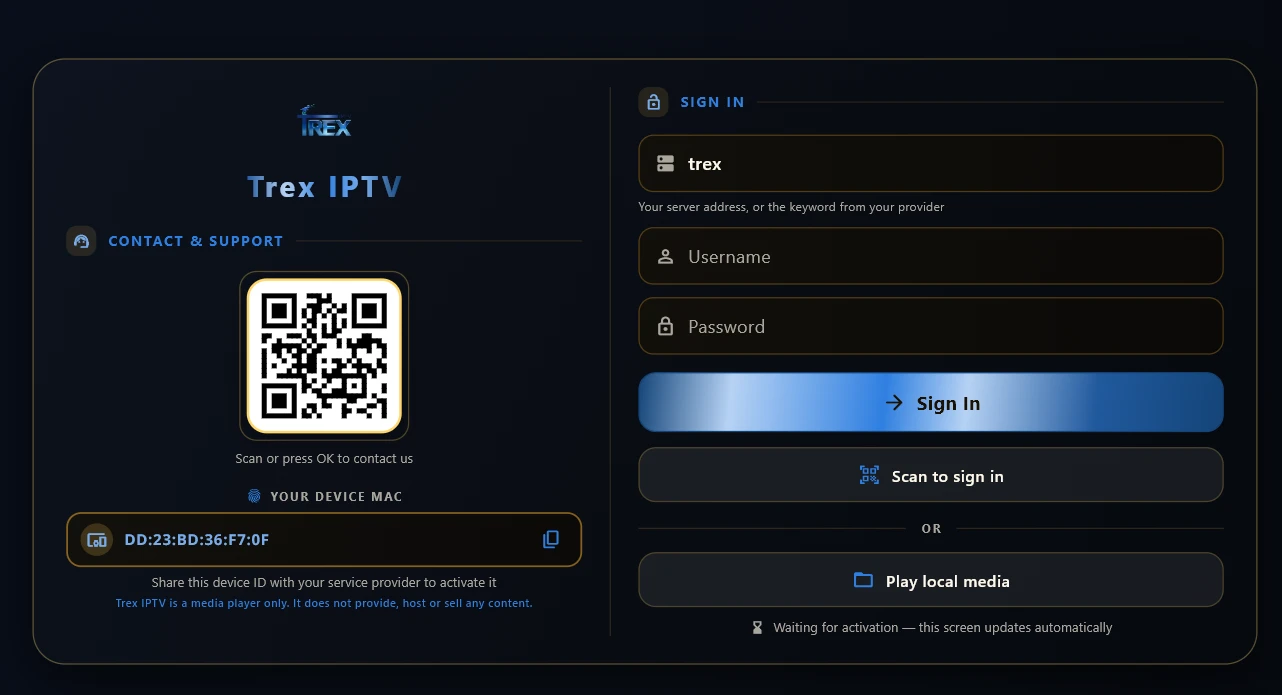
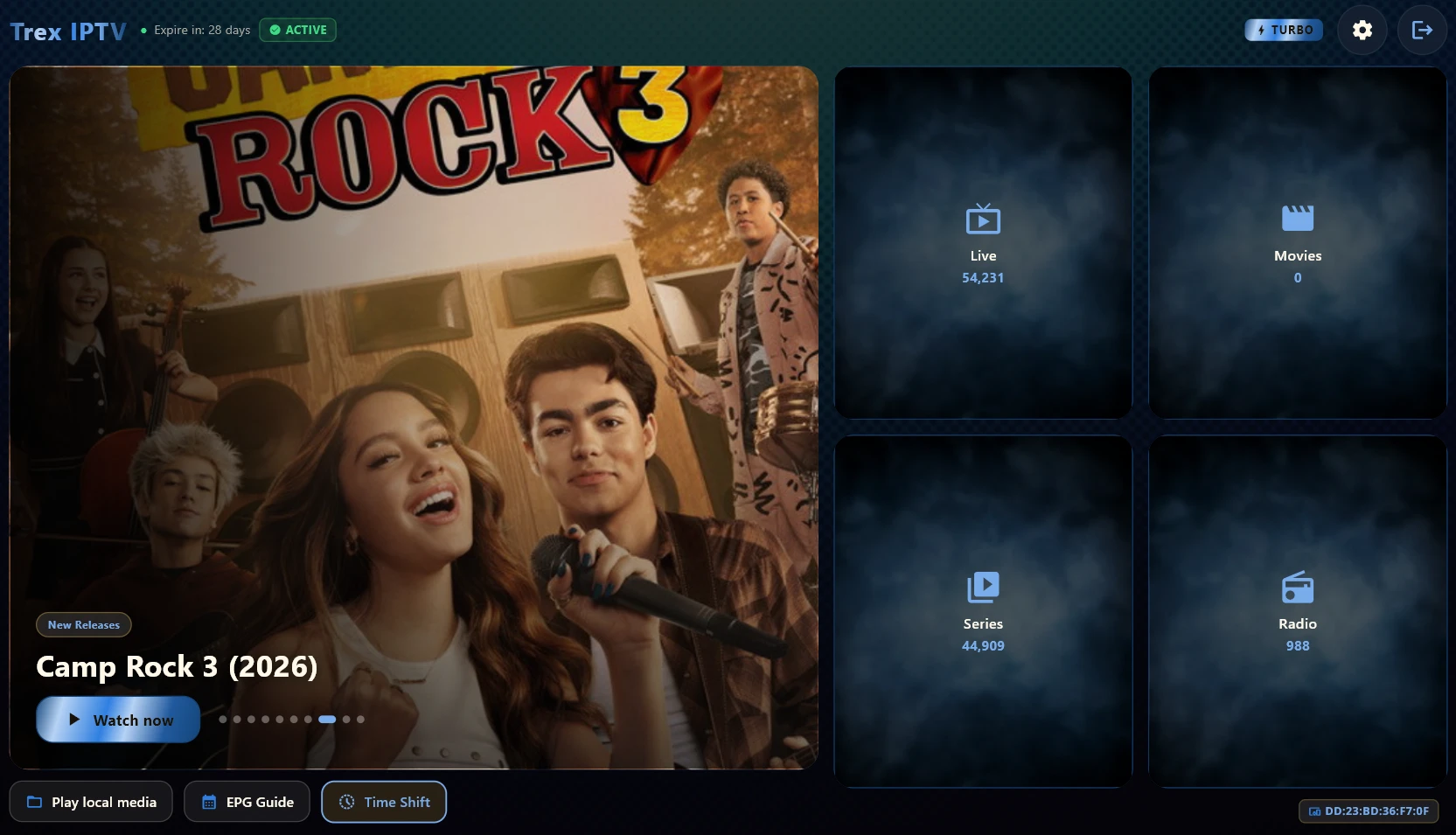
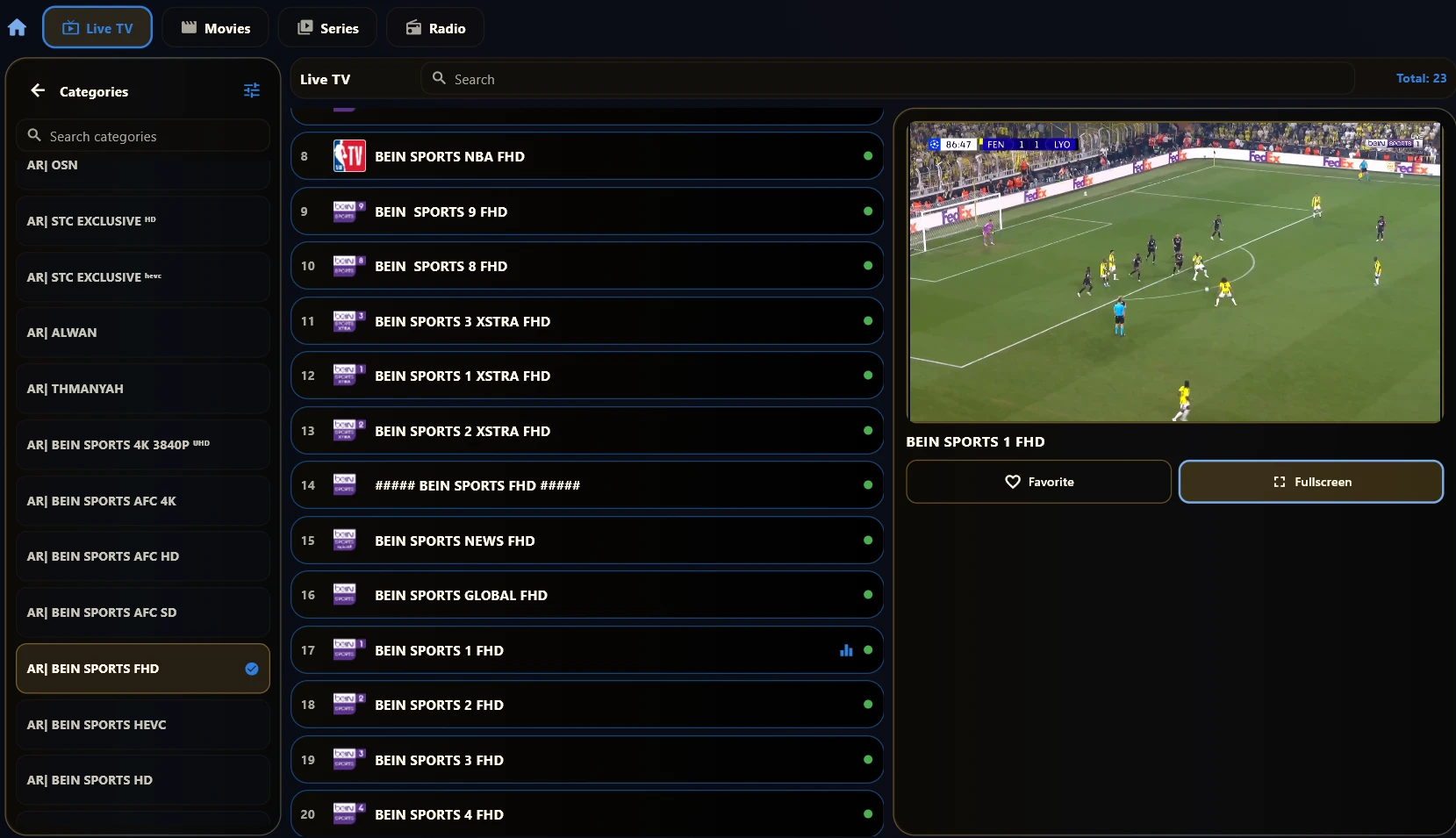
Find your setup
What do you watch on?
Pick your device and we will take you straight to the right installation guide.
Why TREX
Everything you need to watch well
A clear program guide, an organized library, and playback that simply works.
HD & 4K quality
Streams in HD, with 4K available where the source broadcast supports it.
Full program guide (EPG)
See what is on now and what comes next — no more scrolling blindly through channels.
Multi-device support
Works on Android, Android TV, Fire TV, Windows, macOS, and Smart TVs.
Human support
Real people answer your questions on WhatsApp and email — before and after you subscribe.
Pricing
One subscription. Honest pricing.
The same features on every plan — only the duration changes.
1 Month
Full access to TREX IPTV for one month. A simple way to get started.
- Live channels, movies and series
- HD and 4K quality where the source provides it
- Program guide (EPG) on supported channels
- Catch-up on selected channels
- Works on Android, Android TV, Fire TV, Windows and Smart TV
- Support via WhatsApp and email
- No long-term commitment
All prices are in US dollars. Your subscription is activated after payment confirmation.
Choose plan12 Months
A full year of TREX IPTV. Our most popular choice.
- Live channels, movies and series
- HD and 4K quality where the source provides it
- Program guide (EPG) on supported channels
- Catch-up on selected channels
- Works on Android, Android TV, Fire TV, Windows and Smart TV
- Support via WhatsApp and email
- Great balance of price and flexibility
All prices are in US dollars. Your subscription is activated after payment confirmation.
Choose plan24 Months
Two full years of access at the lowest monthly cost of all plans.
- Live channels, movies and series
- HD and 4K quality where the source provides it
- Program guide (EPG) on supported channels
- Catch-up on selected channels
- Works on Android, Android TV, Fire TV, Windows and Smart TV
- Support via WhatsApp and email
- Lowest monthly cost of all plans
All prices are in US dollars. Your subscription is activated after payment confirmation.
Choose planOne-time payment — no automatic renewal
Questions
Answers before you ask
The essentials about plans, setup, and billing.
Ready when you are.
Choose a plan today, follow the guide for your device, and start watching tonight.